
20 min read
Memory: RAM, ROM and Cache
Volatile and non-volatile memory, how much RAM a computer needs, and what happens when it runs out.
Primary Memory
Primary memory (main memory) is memory the CPU can reach directly. It includes RAM, ROM and cache. Secondary storage — disks and drives — is covered in the next lesson.
RAM vs ROM
| RAM | ROM |
|---|---|
| Volatile — loses its contents when power is off | Non-volatile — keeps its contents without power |
| Read and written all the time | Mostly read; updated rarely (firmware updates) |
| Holds the OS, running programs and open files | Holds firmware (start-up instructions) |
| Large — 8 GB to 128 GB in a PC | Small — a few megabytes |
Types of RAM
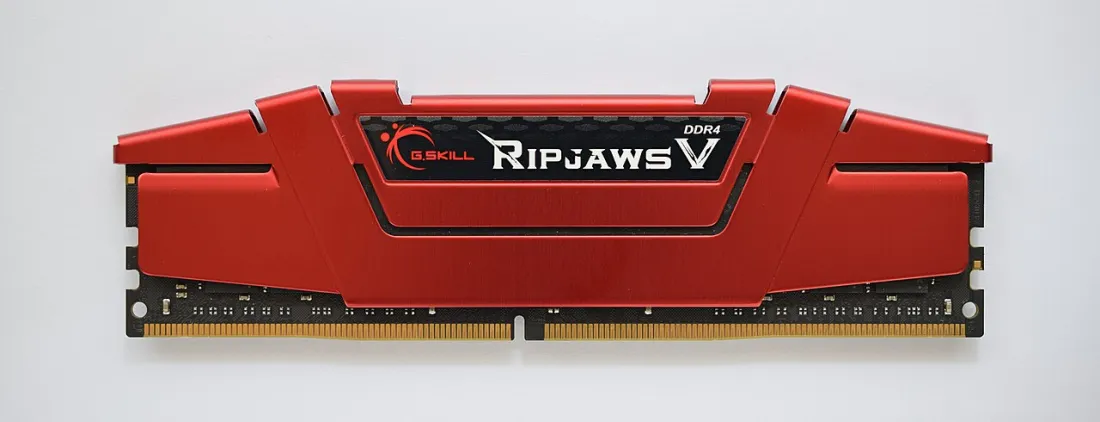
- DRAM (dynamic RAM) is the main memory in modules on the motherboard. It is cheap and dense but must be refreshed thousands of times a second. Current PCs use DDR5; older ones use DDR4. The two are not interchangeable.
- SRAM (static RAM) is faster and more expensive. It is used for cache inside the CPU.
- ECC RAM (error-correcting code) detects and fixes small memory errors. Servers use it because a single wrong bit could corrupt important data.
How Much RAM?
| A rough guide to RAM in 2026 | ||
|---|---|---|
When RAM Runs Out: Virtual Memory
If RAM is full, the operating system moves some data that is not being used right now onto the storage drive. This area of the drive is called virtual memory (a page file in Windows, swap in Linux). It lets more programs stay open, but the drive is much slower than RAM, so the computer slows down — the disk light flickers and programs freeze for a moment.
Adding RAM is often the cheapest way to speed up a slow computer.
Practice
More lessons in Computer Hardware and Peripherals · Next: Backing Storage · Previous: What Makes a Processor Faster