
22 min read
Backing Storage
Hard disks, SSDs, NVMe, flash drives, optical discs and cloud storage — compared on speed, capacity, cost and durability.
Why We Need Backing Storage
Backing storage (secondary storage) keeps programs and files permanently, even when the power is off. It is non-volatile. Storage is judged on capacity (how much it holds), speed, cost per gigabyte, durability and portability.
Magnetic: Hard Disk Drives (HDD)
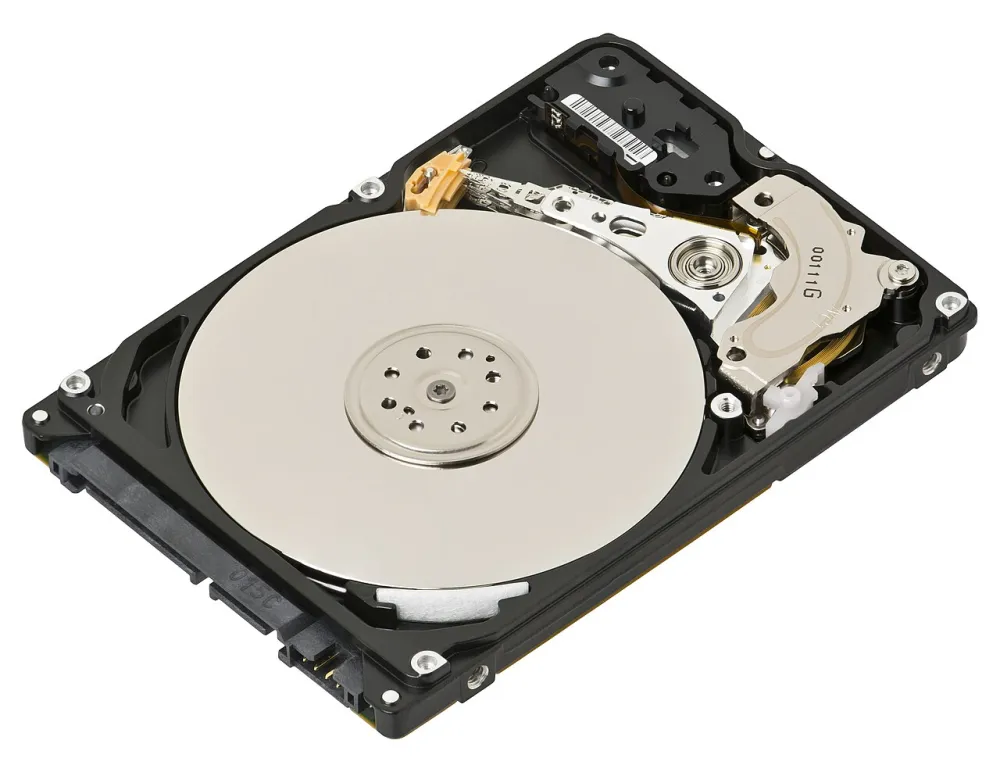
A hard disk drive stores data as magnetic patterns on spinning metal platters. A read/write head on an arm moves across the platters, like a record player's needle but without touching.
- Strengths: large capacity at a low cost per gigabyte.
- Weaknesses: slower, especially for many small files; has moving parts, so it can be damaged by knocks; makes noise and heat.
Solid State: SSD and NVMe
A solid-state drive (SSD) stores data in flash memory chips. It has no moving parts.
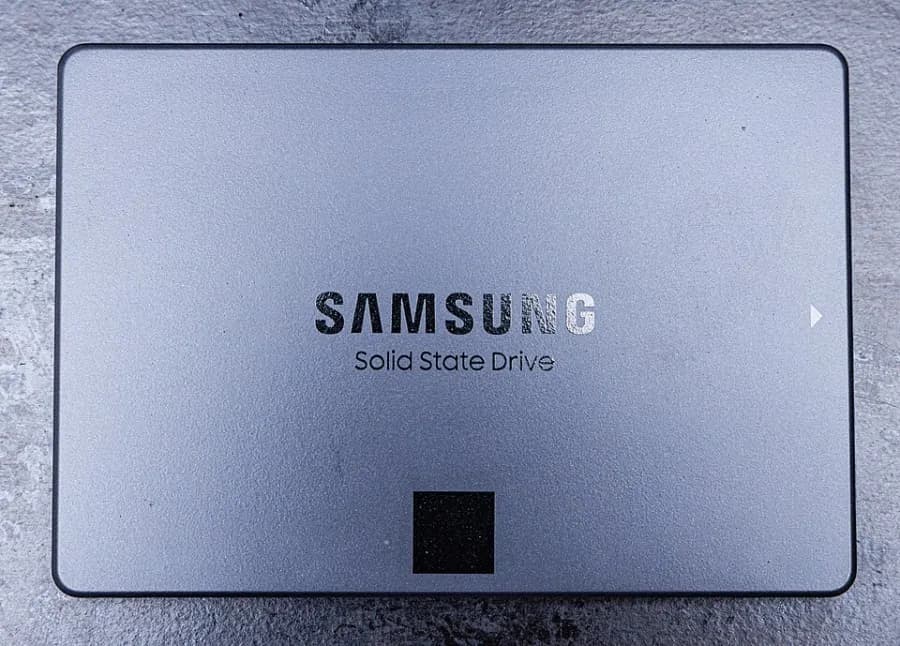
- A SATA SSD is shaped like a small 2.5-inch hard disk and connects with a SATA cable. It is several times faster than an HDD.
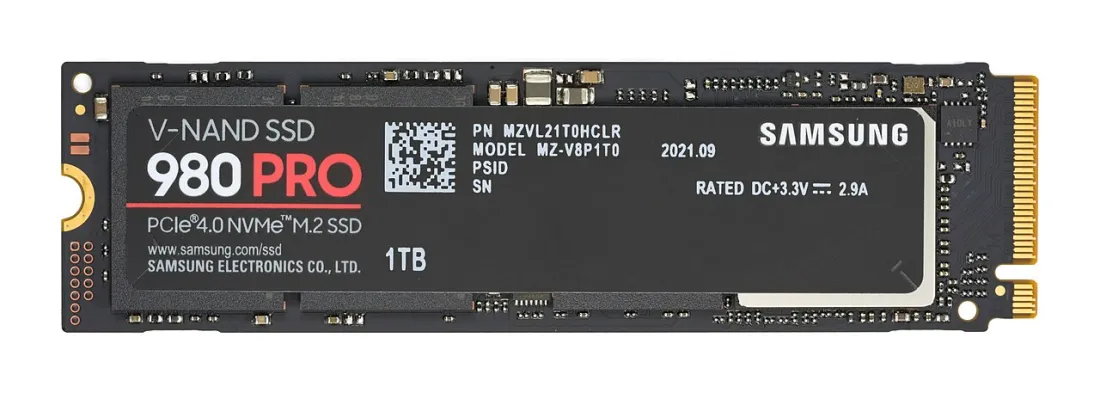
- An NVMe SSD is a small stick that plugs into an M.2 slot and talks to the CPU over PCIe lanes. It is many times faster again.
Strengths: very fast start-up and file opening, silent, tough, low power. Weaknesses: higher cost per gigabyte than an HDD.
Flash Drives, Memory Cards, Optical and Cloud
- USB flash drives and SD cards use flash memory. They are small and portable — good for moving files, poor as the only copy of anything important (easy to lose, and cheap ones fail).
- Optical discs (CD, DVD, Blu-ray) are read by a laser. A DVD holds 4.7 GB; a Blu-ray 25–50 GB. They are rarely used now, but some archives still use them.
- Cloud storage (for example OneDrive, Google Drive, Dropbox) keeps files on a company's servers, reached over the internet. Files can be shared and are safe if a local computer fails — but you need an internet connection, and you pay a monthly fee for large amounts.
- NAS (network-attached storage) is a small box of drives on the office network that everyone can reach — a simple kind of file server.
Comparing Storage
| Typical storage compared (2026) | ||||
|---|---|---|---|---|
Practice
Choose all that apply.
More lessons in Computer Hardware and Peripherals · Next: RAID and Backup · Previous: Memory: RAM, ROM and Cache